Minga Onboarding
Quick Start Guide to Hallway Management
A checklist for School Principals, APs, or other School Administrators to set up and roll out Hallway Management in Minga.
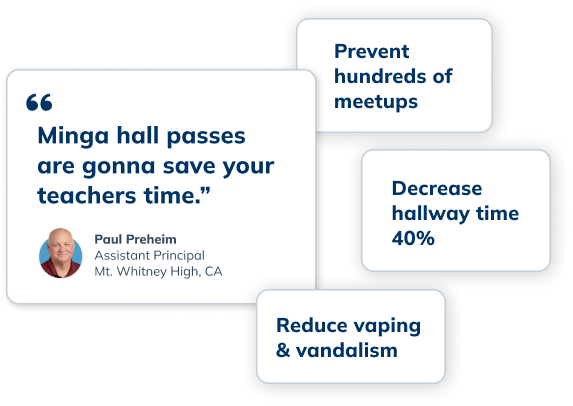
Calmer Hallways Start Here
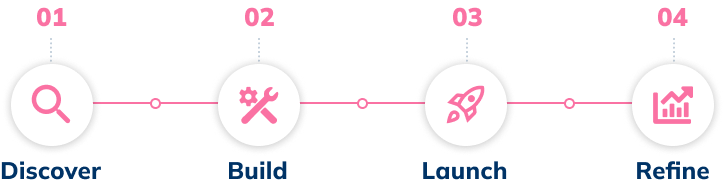
Follow these four stages to kickstart hallway management with Minga, reduce your hallway traffic, prevent unwanted meetups, and save your teachers' time.

✋
Before You Start
Double-check that the technical integration steps are complete. Review the checklist here.
Stage 1
Discover
➜
Watch the Hallway Management video series for context of how hall passes could work on your campus.
➜
Choose how hall passes are created. Decide whether students or teachers will create passes and on which devices.
➜
Choose how hall passes are ended. Decide between automatically and manually ended hall passes.
💡
TIP:
For the least interruptive classroom workflow, we have set the default in Minga as student-created and automatically-ended passes.
Stage 2
Build
➜
💡
TIP:
We recommend starting simple with restroom and fountain passes only. You can add more later!
➜
Define hall pass limits. Adjust the pass duration and the number of passes a student can have per day.
➜
Set pass restrictions & blackouts. We often recommend “blacking out” the first and last 10 minutes of class.
Stage 3
Launch
➜
Host a meeting with teachers and introduce them to My Class, this is their home base in Minga and where they assign hall passes. Here is a resource you can share!
➜
Hang posters around your campus about Minga to help students understand expectations.
➜
Set a date for launch. If you've connected your SIS with Minga, reviewed the settings in the app, and let staff and families know, then you're ready to launch!
💡
TIP:
Monitor the Hall Pass Dashboard alongside hallway monitors or staff during your first few days.

STAGE 4
Refine
➜
Review hallway data & reports. Use the Students Report to spot "frequent flyers".
➜
Review No Party Group Insights. Spot potential hallway meetups and assess current no party group effectiveness. (Plus & Premium subscriptions only)
➜
Adjust settings based on data & feedback. Use your first 30 days of data to refine limits, blackout times, or pass types based on need.
Get More Out of Hallway Management
Quick links and additional resources to help you on your journey with Minga